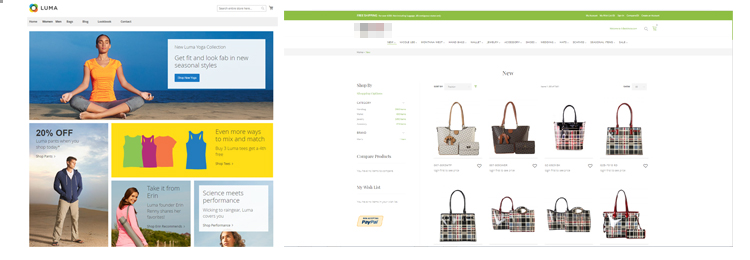
마젠토는 무한한 기능 확장이 가능한 오픈소스 기반의 글로벌 전자상거래 솔루션입니다.
- 사용하기 쉬운 인터페이스로 콘텐츠를 생성하세요.
- 특정 고객 세그먼트에 맞게 개인화하세요.
- 빠르게 페이지를 업데이트하세요.
1. Command를 통해 Magento 2.x.x에서 2.x.x 로 업그레이드하는 방법
- 업그레이드전 /public_html/app/etc/config.php, /public_html/composer.json에서 불필요한 모듈을 제거하십시오.
- “홈 디렉토리”와 “웹사이트 디렉토리”의 PHP 버전을 동일하게 설정하십시오.
Step 1 -> 사이트를 maintenance mode로 전환합니다. (Option)
운영 중인 사이트에서 작업하는 것이 아니라 새 서버를 구축해 작업한다면, Maintenance mode로 전환할 필요 없이 작업할 수 있습니다.
[code lang=”bash”]php bin/magento maintenance:enable[/code]
Step 2 -> Composer 업데이트 플러그인을 설치합니다.
이 명령어는 PHP 7.3 이상 버전에서 사용합니다.
[code lang=”bash”]composer require magento/composer-root-update-plugin ~2.0 –no-update[/code]
이 명령어는 PHP 7.2 이하 버전에서 사용합니다.
[code lang=”bash”]composer require magento/composer-root-update-plugin ~1.0 –no-update[/code]
Step 3 -> 아래 명령어를 사용하여 composer.json 파일에서 Magento 버전을 업데이트합니다. 원하는 Magento 버전을 입력합니다.
Step 4 -> dependencies를 업데이트합니다.
[code lang=”bash”]composer update[/code]
Step 5 -> 아래 명령어들을 실행합니다.
Step 6 -> maintenance mode를 해제합니다. (Option)
Step 7 -> 업그레이드가 완료된 후, 아래 명령어로 다시 Magento 버전을 확인합니다.
마젠토 1의 기술 지원이 종료되어 많은 고객사들이 마젠토 1에서 마젠토 2로 마이그레이션을 했거나 진행 또는 준비 중입니다. 하지만 원래 2018년 11월에 기술 지원이 끝나는 마젠토 1.X의 기술 지원을 최소 18개월 추가로 연장하여 보안 패치 등의 업데이트는 2020년 5월까지는 지속될 계획입니다.
다만, 1년 이내에 마젠토 2로 업그레이드 할 계획을 세워야 합니다.
이전대상 :
- products
- categories
- customers
- orders, invoices, shipments, credit memos
- core configuration
- whishlist, ratings
이전비용:
- 업그레이드 및 이전 : Free
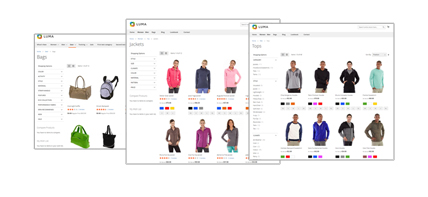
- 디자인 : 기본디자인 Free(Luma), 새 디자인 $1,200 시작
- 서버 : Yubinsoft VPS 사용
- 기간 : 2달
이전순서:
Step 1: server configuration
Step 2: Installation data migration tool with composer
Creating a migration plan
Step 1: server configuration
Step 2: Installation data migration tool with composer

Step 3: configuration data tool
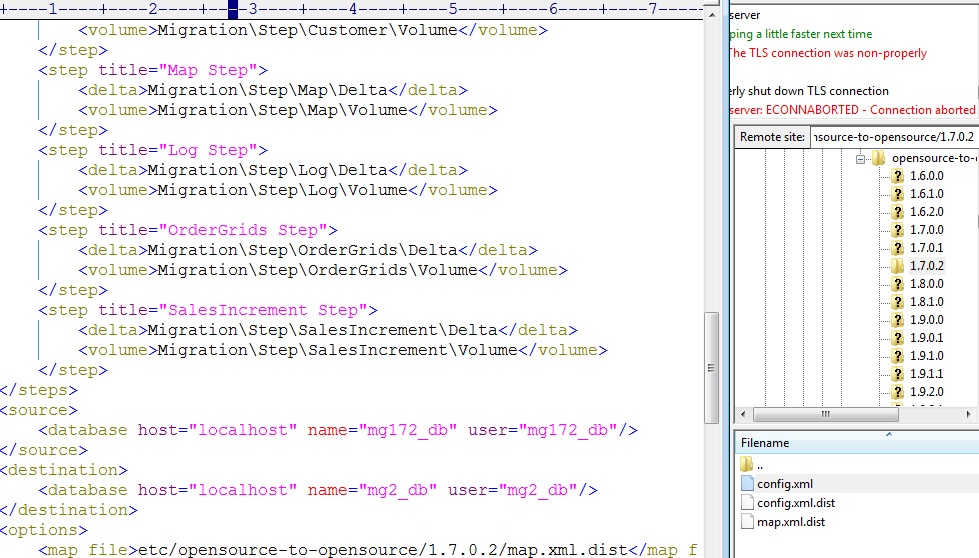
Step 4: migrate configuration data
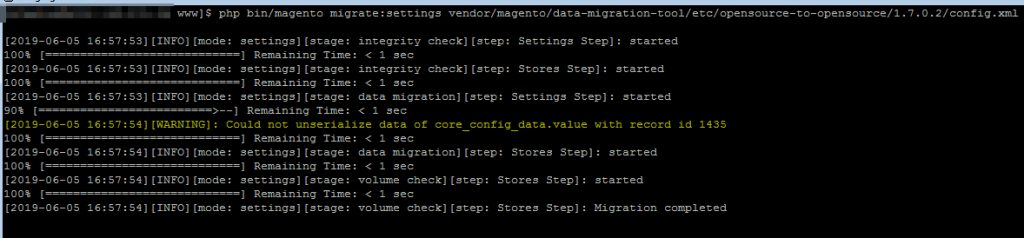
Step 5: migrate data (products, customers, oders, …)
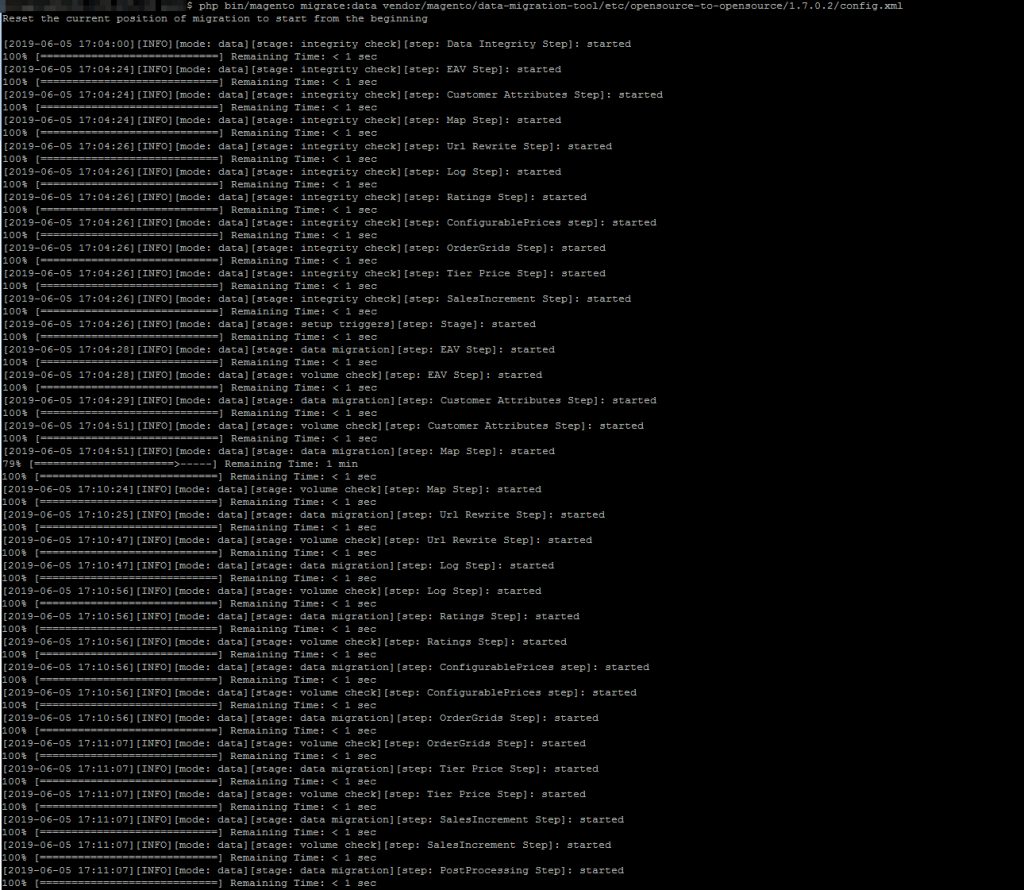
Step 6: import deltas